


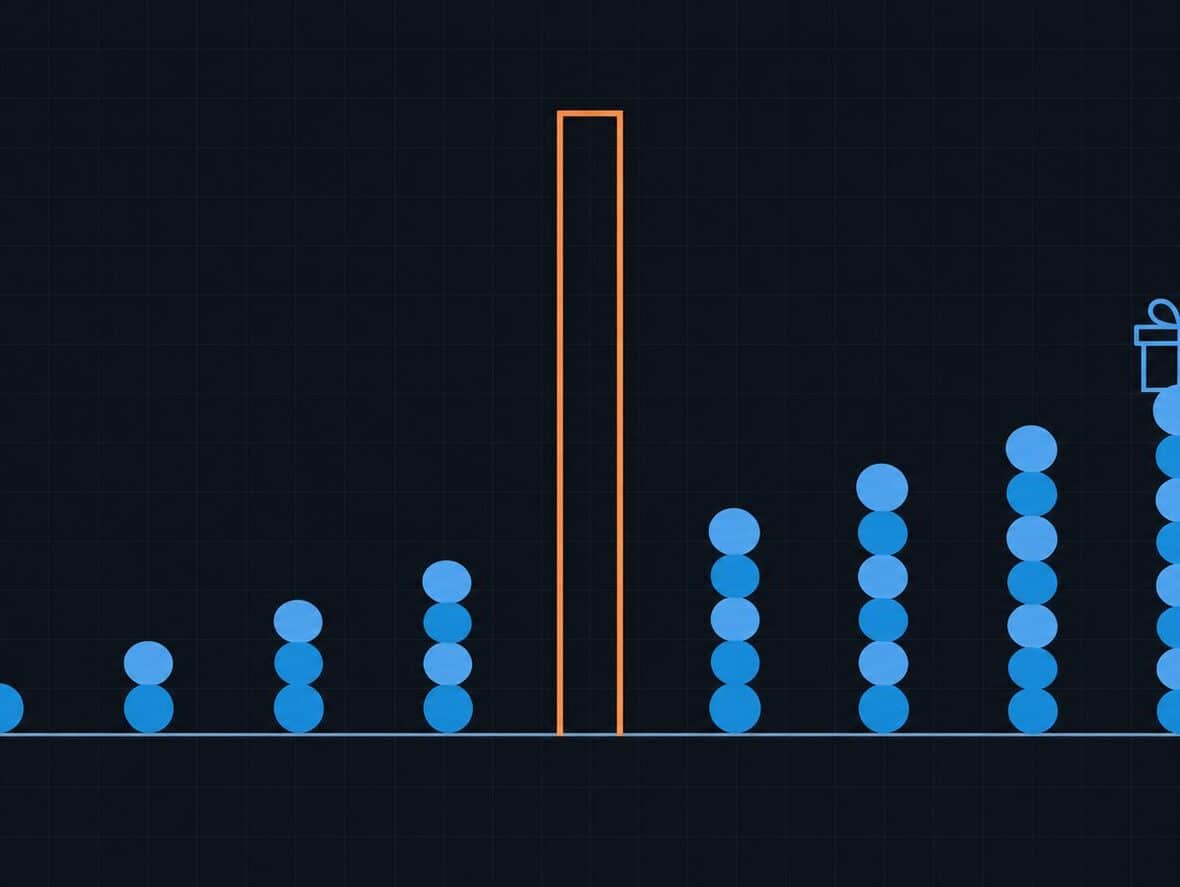
Every November the same thing happens in a lot of WooCommerce stores. Sales go quiet in the first three weeks, then spike over Black Friday weekend, then go quiet again in December. I’d bet some of the people missing from those quiet weeks would have bought anyway. They’re waiting because they know a code is coming.
You can’t opt out of Black Friday, and you probably shouldn’t. But you can run it in a way that doesn’t teach your best customers to buy only when there’s a sale. A loyalty points program, set up with a bit of care, is one of the better tools for that. Below is how I’d plan it: what the research says about discounts and habits, how to use points before, during and after the sale, and the settings that stop it from turning into just another discount code.
Why heavy discounting teaches people to wait
There’s research behind that feeling. In a well-known study published in the Journal of Marketing Research, Carl Mela, Sunil Gupta and Donald Lehmann looked at more than eight years of shopping data for a packaged goods category. They found that consumers became more price and promotion sensitive over time, and tied that to more promotions and less advertising. Put simply, the more often people see a deal, the more they look for one before they buy.
That was groceries, not a WooCommerce shop, so don’t treat it as a law of nature. But the pattern will look familiar if you’ve ever run three sitewide sales in a year and watched full price orders thin out between them.
A storewide discount rewards timing. Anyone who shows up on the right day gets the same price, whether it’s their first order or their twentieth. Points work differently. They reward the customer for buying, and the value is something they carry into the next order. So they suit the customers you most want to keep.
What points do that a coupon can’t
A coupon is spent the moment it’s used. Points are a balance that grows, and people care about balances that grow.
Ran Kivetz, Oleg Urminsky and Yuhuang Zheng studied this with a real cafe reward card, the classic “buy ten coffees, get one free”. In their 2006 paper on the goal gradient effect, customers bought coffee more often the closer they got to the free one. Customers who got a 12-stamp card with two bonus stamps already filled in finished the ten required purchases faster than customers with a plain 10-stamp card. And people who sped up near the goal were more likely to stay in the program and start a new card.

For a store owner, I’d take two things from that:
- Progress you can see pulls people forward. A balance on the account page and a “you’ll earn X points” line in the cart do more than a points program nobody notices.
- A head start helps. Bonus points at sign-up or on a first order make the next reward feel closer, which is the same trick as the pre-stamped card.
Neither of those needs a deep discount.
Plan it in three parts: before, during and after
I find it easier to treat Black Friday as a three-part campaign instead of one weekend. Points help most in the weeks around the sale.
Before the sale: give people a reason not to wait
The first three weeks of November are where the waiting happens. If a customer knows they’ll save 30% on Friday, there’s no reason to order on the 10th. You won’t beat a big discount with a small one, so give them something different.
- Run a double points week in early November. The customer who orders now still gets something extra, and it’s value they can only use with you.
- Remind existing customers of their balance. Someone with a few hundred points already has a reason to come back, and a short email showing their balance is often enough.
- Give a sign-up bonus. New accounts created before the sale start with a head start, which matters when they come back on Friday.
During the sale: let points add to the deal, not compete with it
On the weekend itself, your discount is doing the heavy lifting. Points should sit alongside it without stacking into a margin problem.
Decide up front whether customers can redeem points on top of sale prices. If your Black Friday discount is already deep, you might cap how much a points redemption can take off, or let people earn points on sale orders but not redeem them until after the sale. Either way, write the rule down before the weekend so support doesn’t make it up order by order.
Keep the sale itself simple. If you’re using a WooCommerce coupon for the sale, the coupon settings let you set an expiry date, a minimum spend, a usage limit per coupon and per user, and an “Individual use only” box that stops it from being combined with other coupons. Use them. A coupon with no expiry is a coupon that keeps circulating on deal sites into January.
After the sale: turn one-time buyers into second orders
A lot of stores skip this part, and I think it’s where points earn their keep. Black Friday brings in plenty of first-time customers who came for the price. Most of them won’t come back unless you give them a reason.
- Make sure every sale order earned points, and that the customer knows it. The order confirmation and a points update email are the two places they’ll see it.
- Give those points a sensible expiry. A few months is long enough to feel fair and short enough to nudge a second order before they forget you.
- In December, remind people of their balance before the holiday orders cut off. A points balance is a softer reason to buy than another code, and it doesn’t reset expectations for next year.
Settings that keep points from becoming a discount habit
A points program can go wrong the same way discounts do if it’s too generous or too easy to stack. These are the settings I’d look at before November.
Pick an earn rate you can afford all year
Work out what a point is worth in money and what the rate costs you per order. If 100 points equal $1 and customers earn 2 points per $1, that’s a 2% return. Pick something you’d be happy to run in March, not just in November. You can always boost it for a short window.
Set limits on redemption
A minimum and maximum discount stop a customer from wiping out a whole order with points, and stop tiny redemptions that cost you more in admin than they’re worth. If some categories run on thin margins, cap points on those categories specifically.
Award points only once you’ve been paid
Black Friday orders get cancelled and refunded like any others. Award points when payment is received or when the order is completed, and make sure points are taken back if an order is cancelled or refunded. Otherwise you’re rewarding orders that never happened.
Reward more than spending
Points for reviews, a birthday or a first order give customers reasons to come back that have nothing to do with a sale, so your program isn’t only a delayed discount.
Make the balance visible
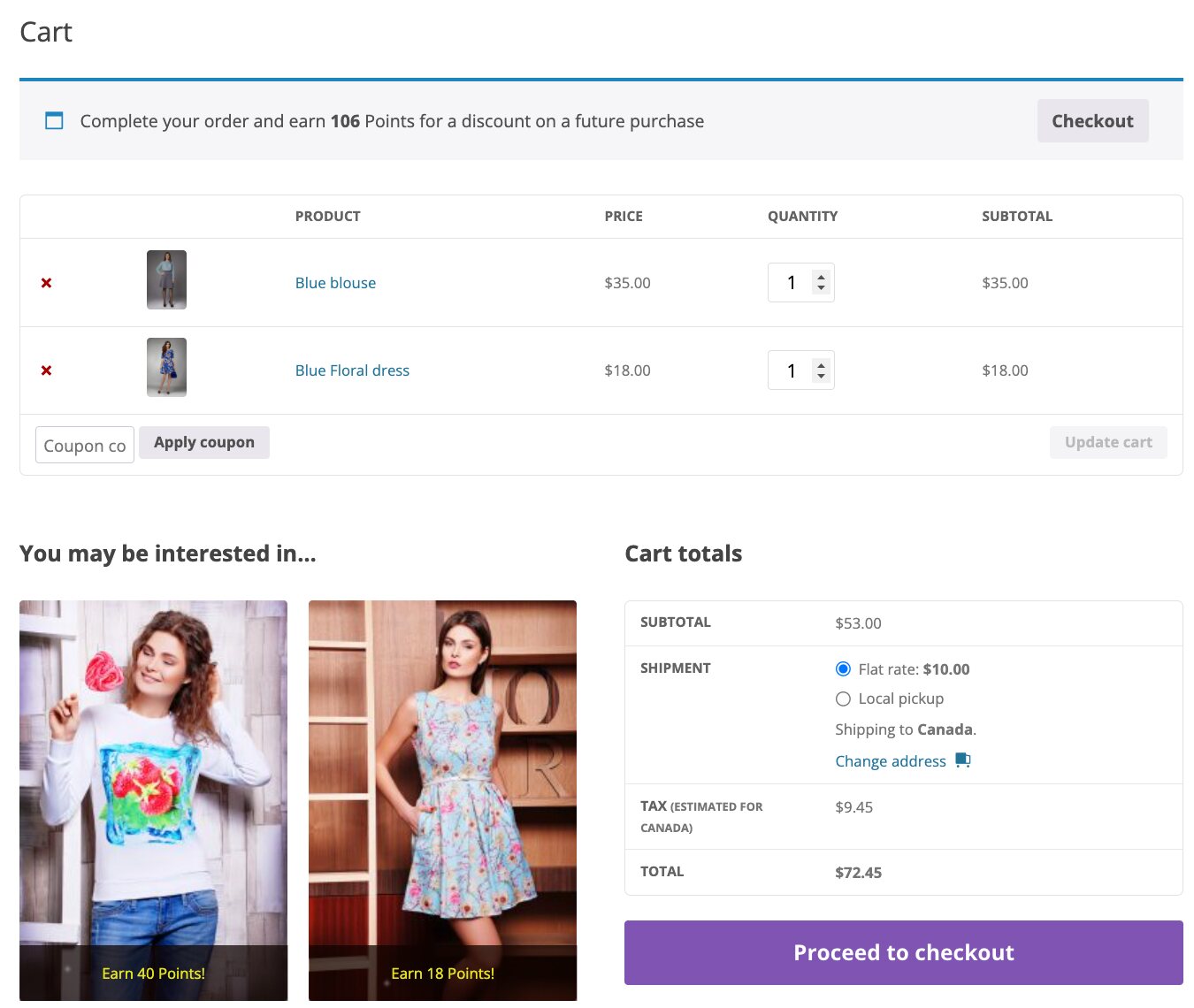
If customers can’t see their points, the goal gradient effect never kicks in. Show the points a product earns on the product page, show what the cart will earn, and give customers a page in their account with their balance and history.
How we’d set this up in WooCommerce
WooCommerce doesn’t include a points program on its own, so you’ll need a plugin. We make one, Points & Rewards for WooCommerce, and it covers the plan above. You set the earn rate and rounding, and you can set fixed points or a percentage of the rate on a category, a product or a variation. A coupon can carry a points modifier, so a code like “DOUBLE” can multiply the points earned instead of taking more off the price. That’s a tidy way to run a double points week.
It also has the guard rails: minimum and maximum discounts, a maximum discount per product or category, points that expire after a set number of days, weeks, months or years, and the choice to award points when payment is received or only when the order reaches Completed. Cancelled and refunded orders give the points back. Customers get a My Points page in their account, and you can choose which actions send them a points update email. Extra points can go to sign-ups, first orders, reviews, spending or points milestones, and birthdays.
If you’ve never set up a points program before, our older walkthrough on how to set up a points and rewards system in WooCommerce covers the basic setup, and the Points & Rewards documentation has the details for each setting.
A simple November calendar
Here’s how the whole thing could look for a store with Black Friday on November 27:
- Now: check your earn rate, redemption limits, expiry and when points are awarded. Make sure product pages and the cart show points.
- Early November: email customers their balance and run a short double points week.
- The week before: decide whether points can be redeemed on sale orders, and how much they can take off.
- Black Friday weekend: run the sale with a coupon that has an expiry date and usage limits. Every order earns points.
- Early December: send a balance reminder to everyone who ordered over the weekend, before your holiday shipping cutoff.
Points work better next to the things that help a second order happen anyway, like good cross-sells on the product and cart pages. And if you’re shopping for your own store this month, we keep a roundup of Black Friday deals on WordPress products with every deal’s dates and codes in one place.
If you only change one thing this year, make it the December balance reminder. It costs almost nothing to send, and it’s aimed at the exact people Black Friday just brought in.
Found this useful? Pass it on.