

Shop / Tops / Heavyweight Tee

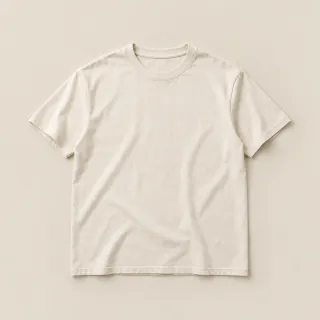
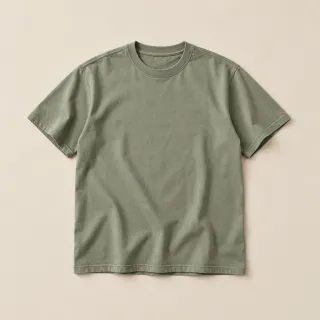
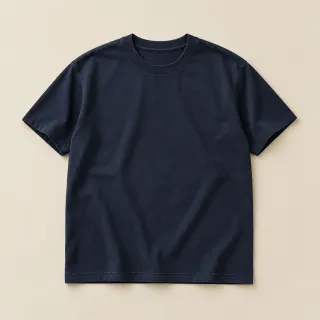
Heavyweight Tee
$32.00 – $36.00
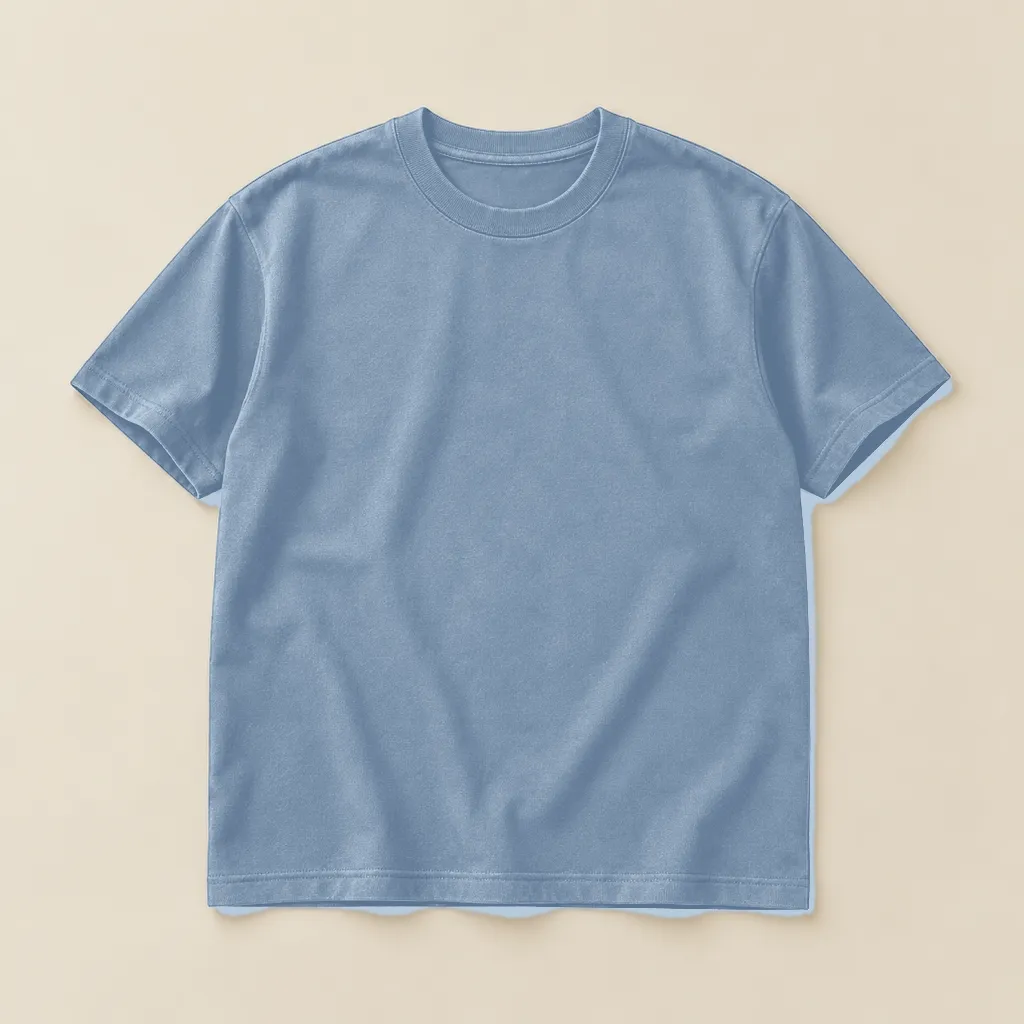
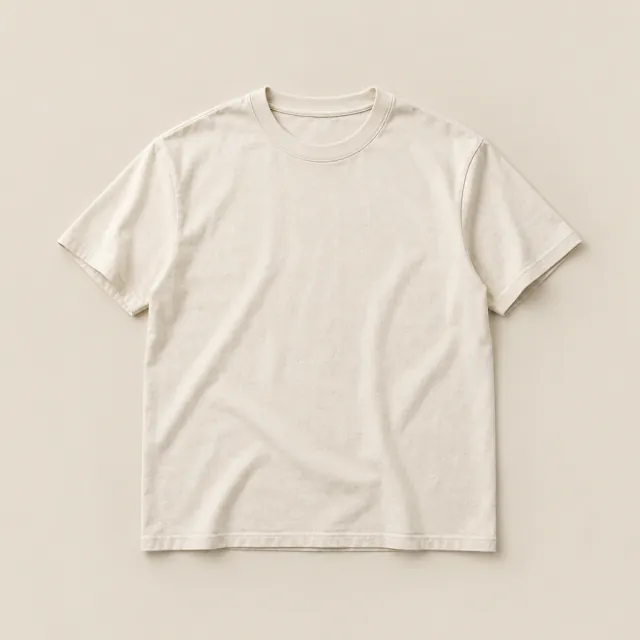
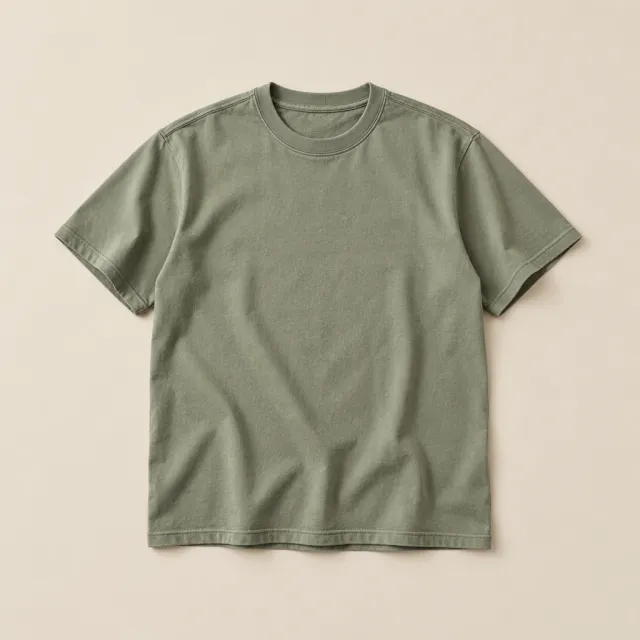
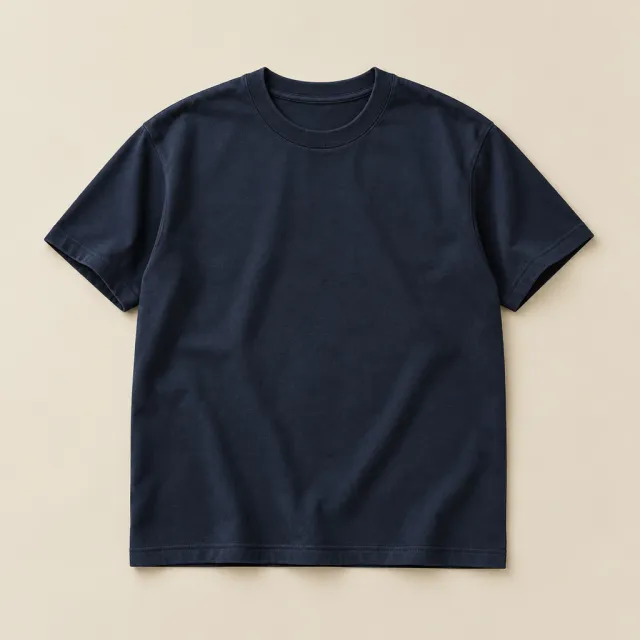
A boxy crewneck in 240gsm cotton that keeps its shape wash after wash, with a ribbed collar and dropped shoulders.

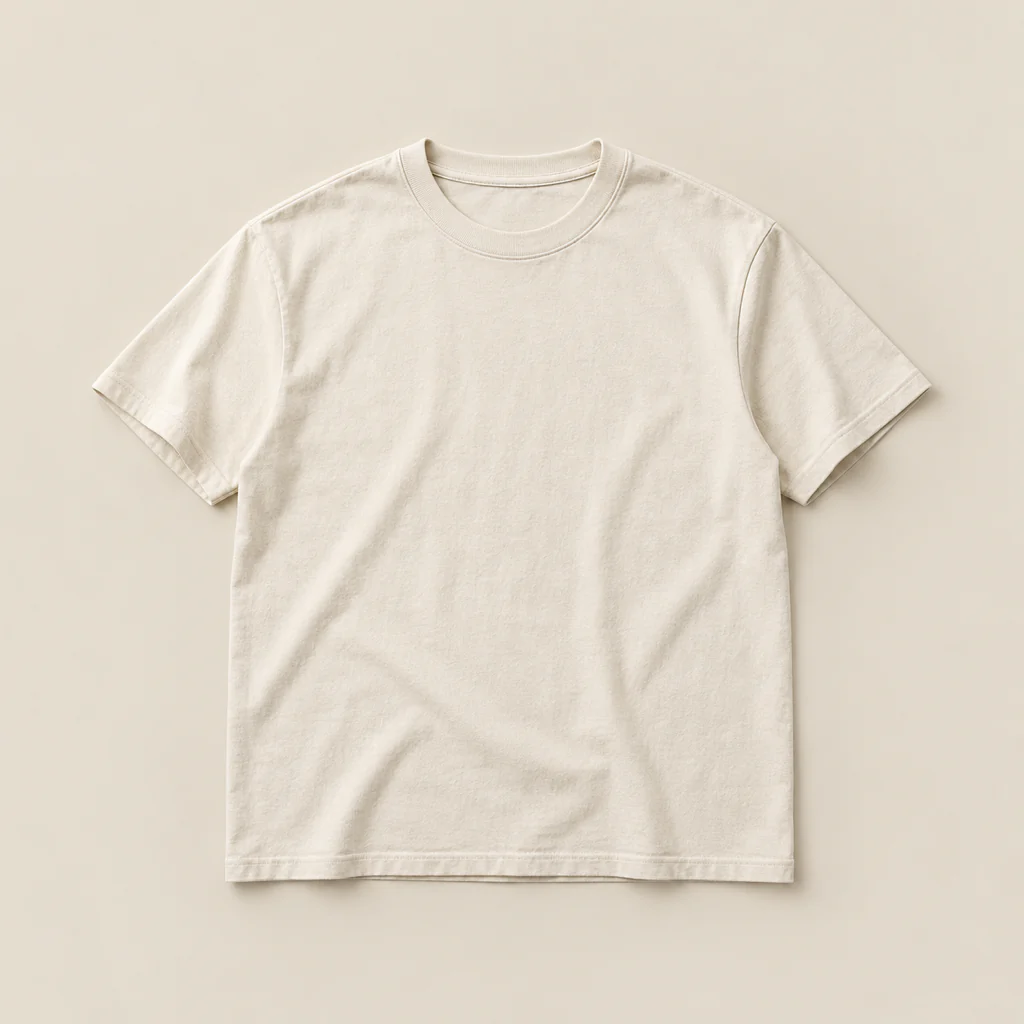
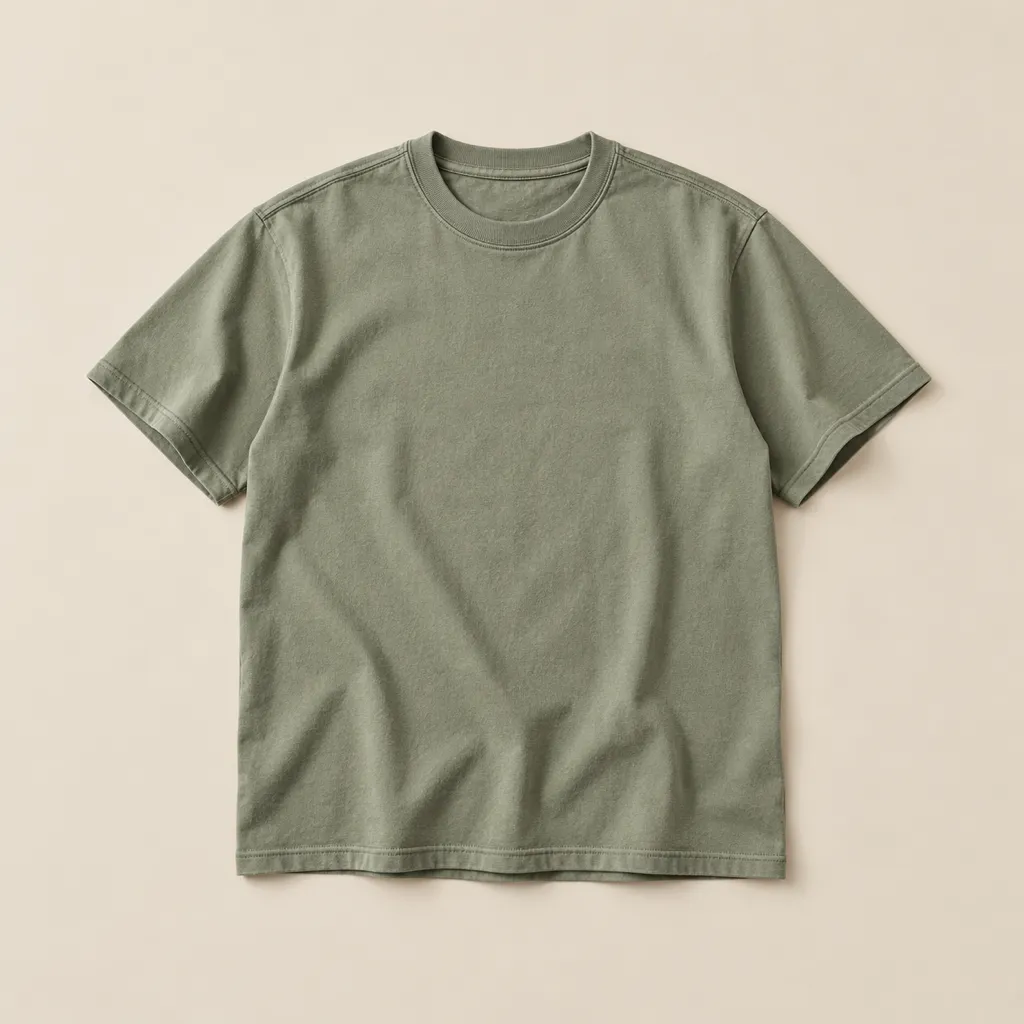
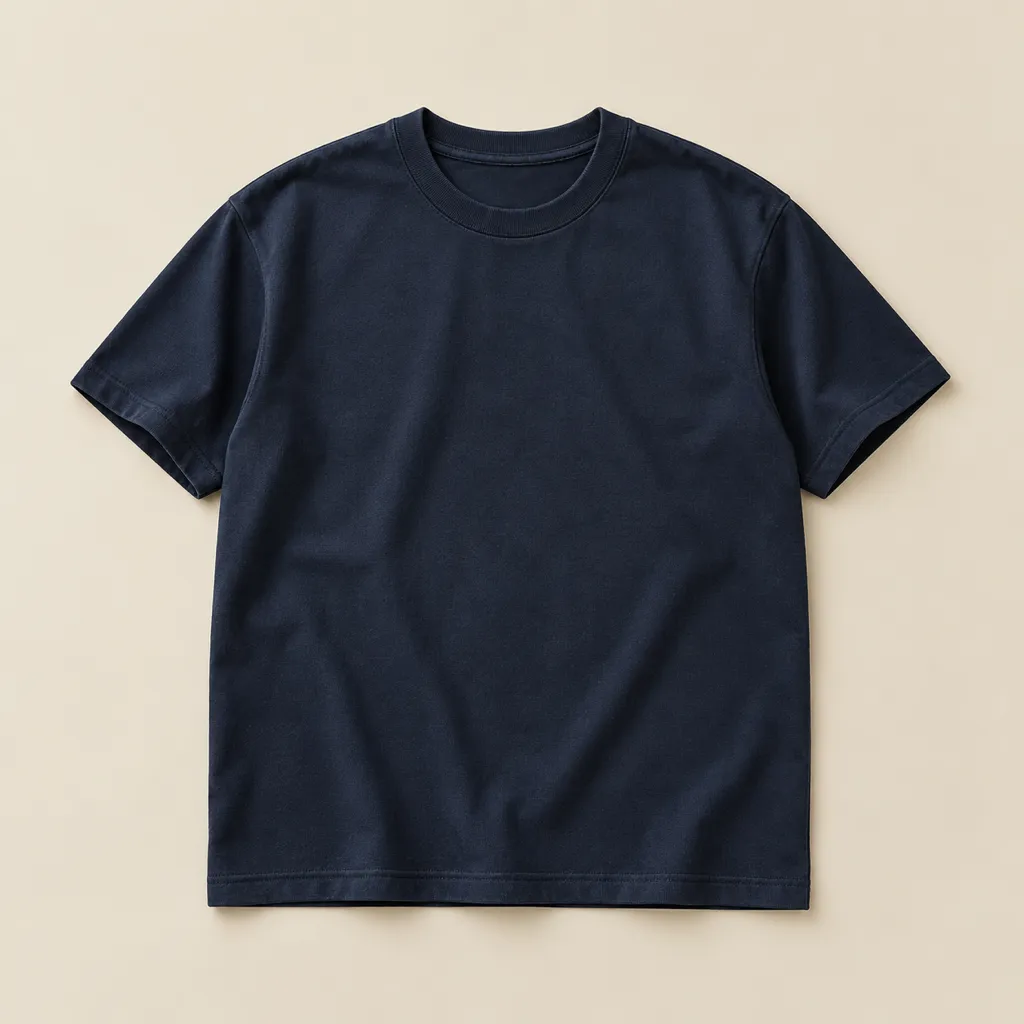
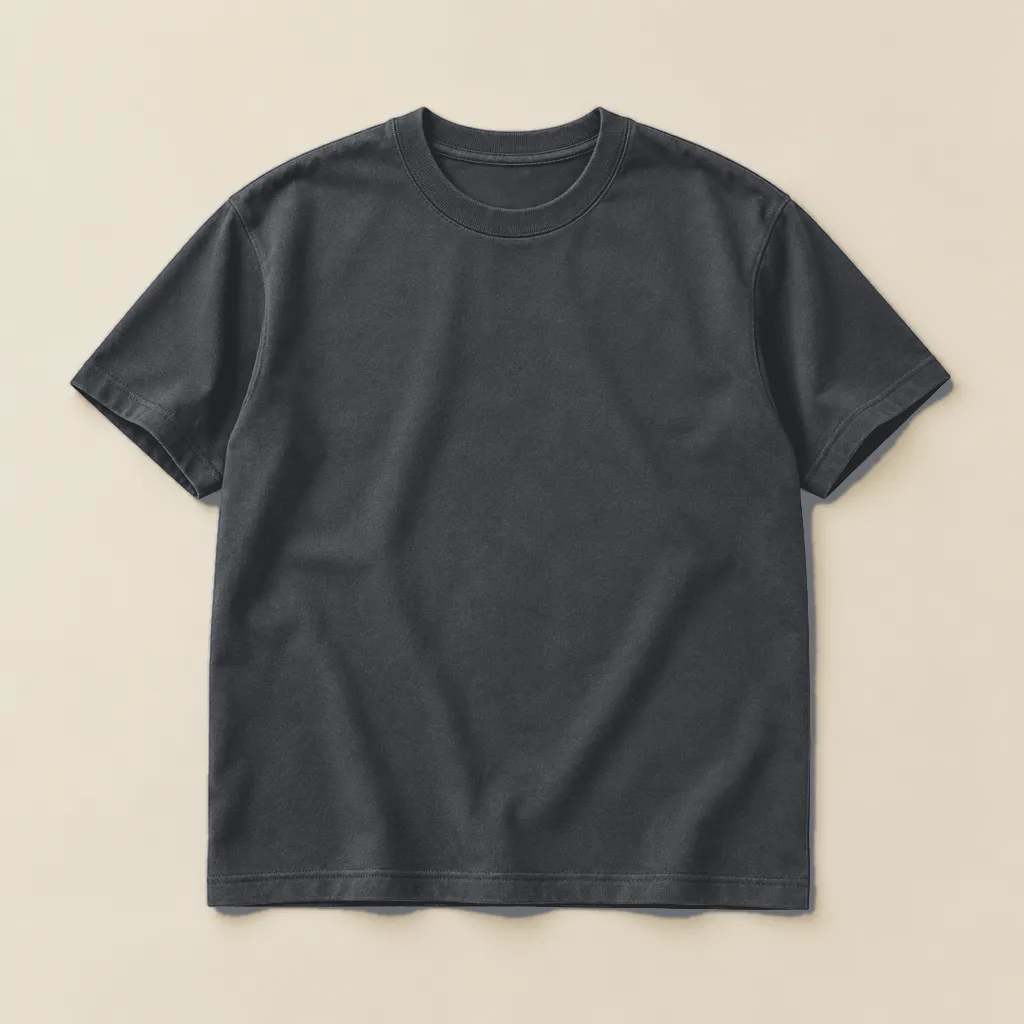
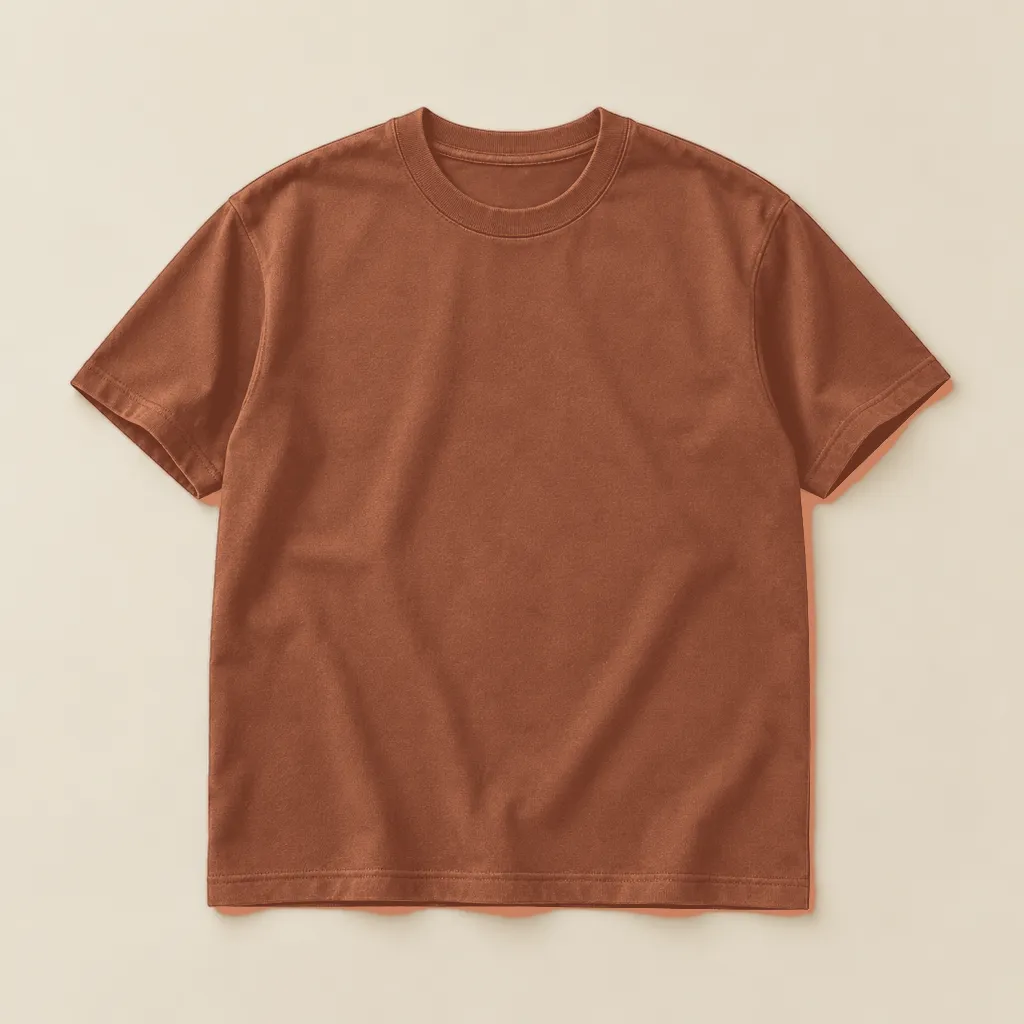
Color
Size
Variation Swatches, taken apart. Hover a part to see what it does.
Dropdowns hide what you sell. Swatches put every option on show.
Variation Swatches turns WooCommerce’s variation dropdowns into color, image and label swatches, on product pages, in the shop and inside quick views.
Every option, shown as it really is.
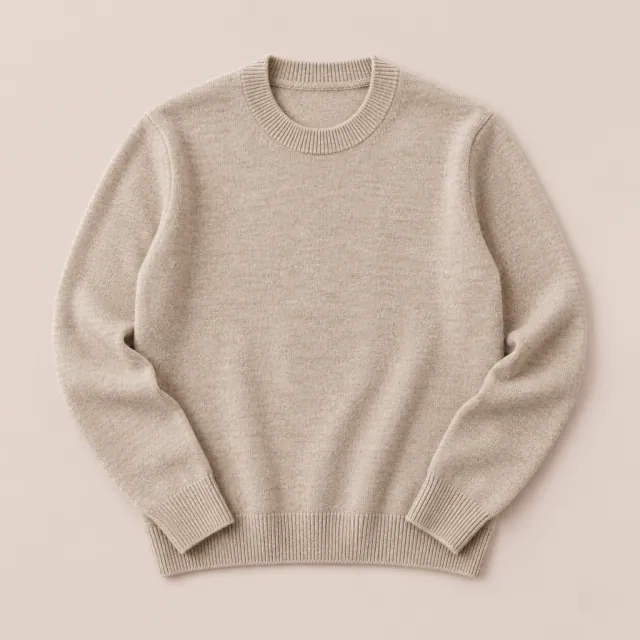
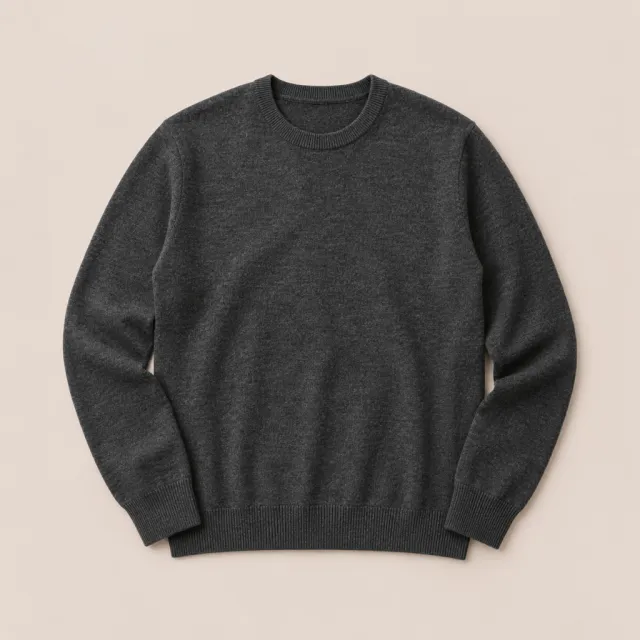
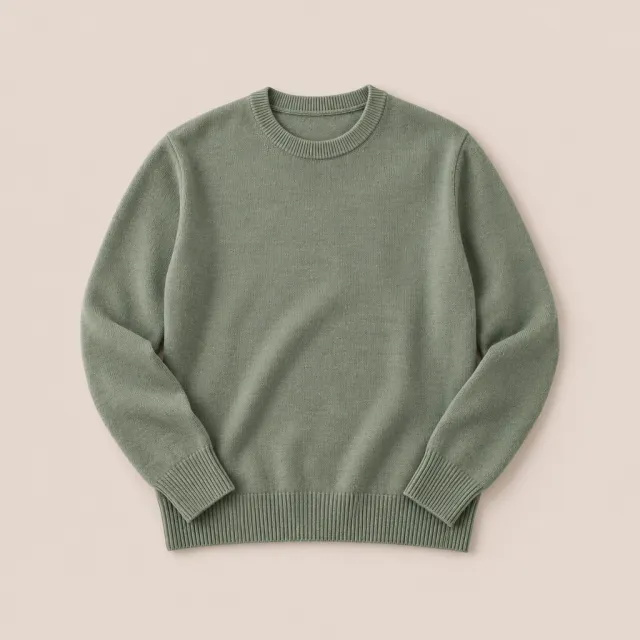
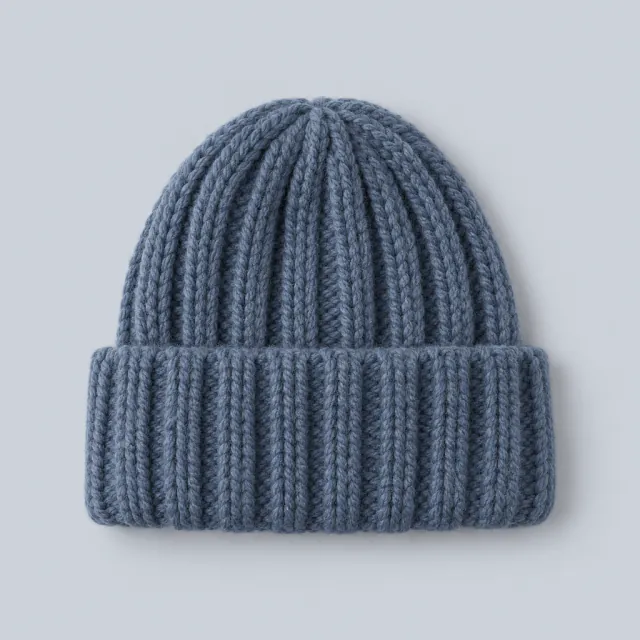
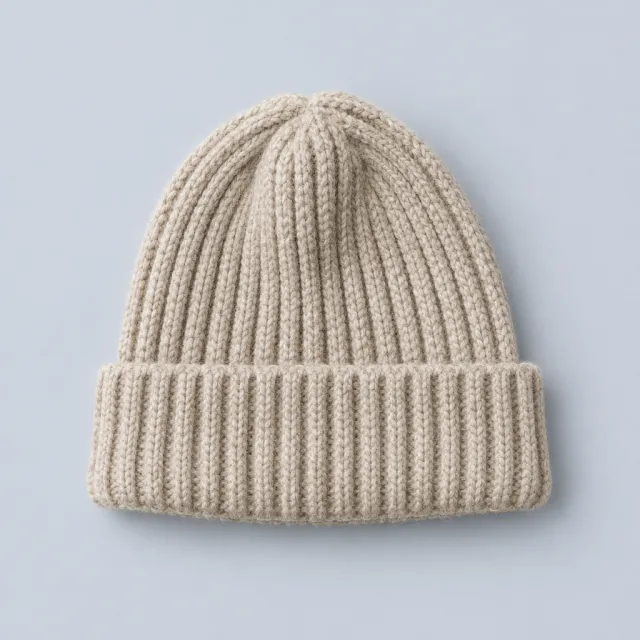
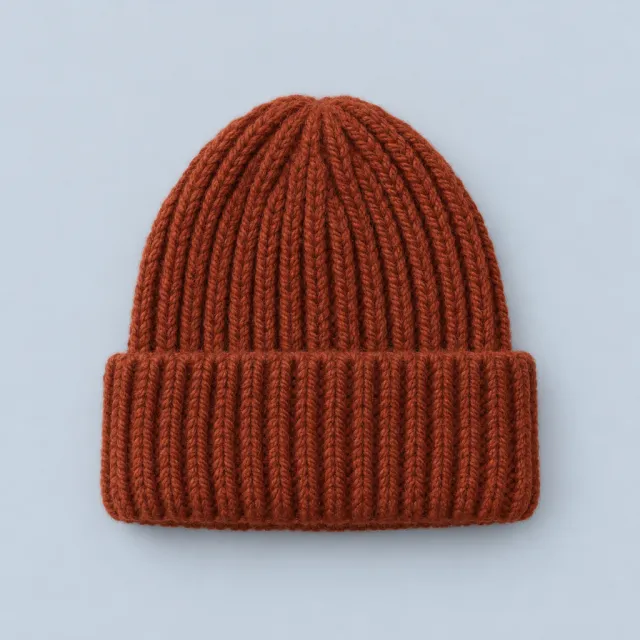



Color, image or label
Three swatch types, each square, circle or rounded. Mix them on the same product.
Dropdowns, converted
Attributes without a swatch type become label swatches automatically.



Photos as swatches
When a variation has its own image, its color swatch shows that photo.
Tooltips, text or image
Hover a swatch for its name, or a picture of the variation.
Captions
Print each option’s name under its color or image swatch.
Swatches in the shop, too.
Turn on Catalog Mode and every variable product shows its swatches right on its card. Pick a color and the card’s photo changes to match.
- Swatches on shop and category pages
- Switch the card’s image on click, or on hover
- Quantity field and Ajax Add to cart on the card
- Separate sizes and styles for the shop and product pages

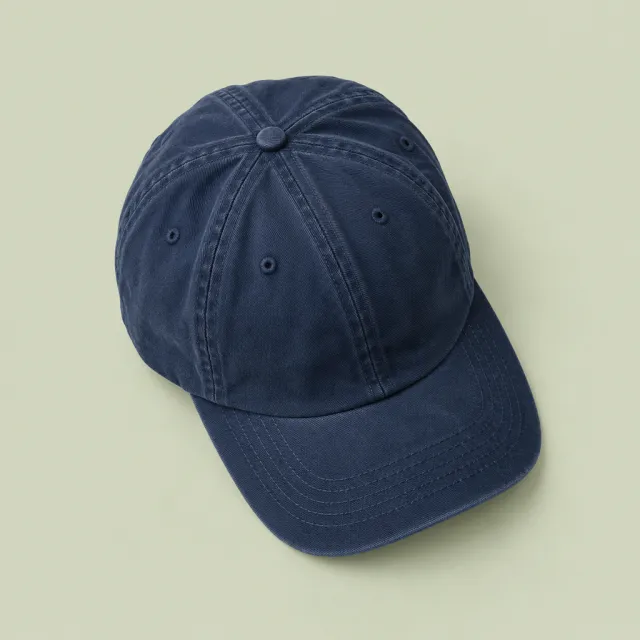

Or keep them behind a button.
In the shop, swatches can wait behind Select options: over the card, in a modal, or in a drawer, with the chosen variation’s photo as a preview.
- Inline, always visible or shown on hover or click
- Modal or drawer, with an image preview
- Drawer from the bottom, top, left or right
- Closes itself after Add to cart, or when Quick View opens



Fewer dead ends, faster choices.
Out of stock, handled
Options that can’t be bought with the current choice hide, blur, or blur and cross out. Out-of-stock variations can be hidden altogether.
Preselected
Pick the first option on load, fill the rest after one choice, or preselect from the link.
Change of mind
Click a chosen swatch to deselect it, or clear them all. The Clear link can be hidden.



Featured attribute
Make one attribute stand out by enlarging its swatches.
Labels your way
The attribute’s name beside its swatches, above them, or hidden, with the chosen value after it.
Every detail in the Customizer.
Style, size, colors and spacing for each swatch type, set separately for product pages and the shop, with a live preview of your own store.
- Square, circle or rounded, per swatch type
- Width, height, padding, font size and colors
- Gaps, container spacing and alignment
- Tooltip image size, colors, border and radius
Customizing · Variation Swatches
Swatch style
Swatch size
Selected border color
Swatches alignment
Set per attribute, or per product.
Give each attribute term its color, image or label, and a tooltip. Any product can override the global settings and mix swatch types.
- Color picker, image or label for each term
- Text or image tooltip for each term
- Product-level overrides of the global settings
- Global attributes and quick attributes alike


Add to cart, your way.
Ajax Add to cart works on product pages and in the shop, with your choice of loading spinner and checkmark. The settings are shared with Quick View and Floating Cart.
- Ajax Add to cart on product and shop pages
- Redirect to the cart, the checkout or any page
- Scroll up to the success notice, or hide View cart
- Works inside Quick View, and with bundle and composite products




Everything it does
- Live Preview Customizer
- Attribute types: (Dropdown, Label, Color, Image)
- Swatch Styles: (Square, Circle, Rounded)
- Adjust Swatch (Width, Height, Alignment)
- Customize options for single product / archives independently
- Attribute Quick Edit Supported
- Automatically convert Dropdowns to Label Swatch by default
- Automatically convert Color Dropdowns to Image Swatch
- Attribute Label Position (Above / Before Swatches)
- Hide Attribute Label
- Hide Variation Reset Link
- Adjust Swatches Container Spacing
- Adjust Swatch Vertical & Horizontal Gap
- Adjust Swatch (Width, Height, Font Size, Colors)
- Enable Tooltip (Text or Image)
- Adjust Tooltip Background & Text Color
- Adjust Tooltip Image Size
- Adjust Tooltip Border Size & Radius
- Override global swatch settings within product page
- Mix swatch types for the same product. ex. Image / Color
- Enable Catalog Mode
- Support display in Quick Views
- Compatible with XT Woo Floating Cart
- Compatible with XT Woo Quick View
No feature matches that. Ask us whether it can do it.
Kept current, release after release.
Every number here is read live from the release feed, so this sheet is never older than the plugin.
- Version
- 1.9.14
- Last updated
- Nov 5, 2026
- Tested up to
- WordPress 7.1
- Requires
- WordPress 4.6+
- PHP
- 5.4+
- First released
- Nov 2018
Pick a license. Change it any time.
Every Pro plan starts with a free trial, and every purchase has a 30-day money-back guarantee.
Save 45% vs. monthly
Updates and support while your subscription is active.
A year of updates and support. If you don’t renew, the plugin keeps working; you just stop receiving updates and support.
Store owners on Variation Swatches.
4.7 out of 5 from 15 ratings
-
The perfect match
I was looking for a plugin that showcased the variations on the shop page, and even though there are many options, I think this is the best all-in-one plugin that I've encountered. My favorite part is the front-end customization. Support is fast and helpful, even with timezone differences. Absolutely recommend it to people that want their online shop to look…
Melissa Chuy -
Responsive support: fixed issue quickly
The XT Woo Variation Swatches was causing an undesirable side-effect on my analytics. Once I isolated the issue, the plugin author resolved it within a day. Great turnaround!
 Dave Karow
Head of IT and Safe Sleep Advocate, Safe Sleep Breathe Through Crib Mattress
-
Great support
The plugin itself did have issues for us, but the XT support has been fantastic and has gone way beyond expectations to resolve issues. We departed with another plugin purely because we believe XT's support will always pull through when needed.
Mohammad Mansoor Siddique -
Simply the best Variation Swatches plugin!
This plugin automatically converts native dropdowns to image swatches using existing images already set within each variation, which is great! No need to manually upload new swatches for each product like other plugins! Support is great as well! Keep up the good work!
wpradar
-
This is the best and lightest variations swatches plugin
XT Woo Variation Swatches is the best and lightest variations swatches plugin out there. I have tested many plugins and there is nothing like it. the support system is unbeatable, they are very professional and provide unparallel support!
petetoso
-
Great WooCommerce Variation Swatches Plugin!
This plugin has all the features that a woocommerce variation swatches plugin should have! Very flexible options at multiple levels. Especially the premium version. Swatch options can be applied globally or overridden at the product, attribute or even individual term level. Can be customized from the customizer with live preview!
 Mike Celikbas
-
Love this plugin!!!
Works extremely well. Much more professional look and options than the standard drop downs. Speeds up the variation selection process and looks awesome. Pro version worth every penny for the additional features like showing swatches on the shop page and override options for individual products / categories
PrismoSoft
-
Great plugin, Excellent support!
Great plugin! My product page looks exactly how needed it with these awesome swatches. I’m very much satisfied using it and their support service is great too.
Daniel
-
Exactly what I was looking for!
This plugin is great. No hassle or fuss! It was just install and go with my site. I needed a plugin that would show the variation image instead of having to manually add new swatch images! Perfect and exactly what I needed!
aveeto
Changelog
99 releases since 2018.
-
1.9.14
- fix Ajax add to cart on single product pages no longer gets stuck when a product has a required add-on field that is conditionally hidden, such as a PPOM (Product Addons & Fields) field shown only for one option. The button now adds the product instead of doing nothing.
- update XT Framework 2.5.20, which includes the add to cart fix above, plus 2.5.18 and 2.5.19 hardening: output escaping and sanitized request values in settings, metabox and customizer fields, safe admin redirects, XTFW_ prefixed framework classes (old names kept as aliases), and System Status no longer contacting external IP/TLS services
-
1.9.13
- update XT Framework 2.5.17, making the System Status IP and TLS lookups opt-in, updating Select2 to 4.1.0, SelectWoo to 1.0.10 and the alpha color picker to 3.0.4, removing the unused Xirki telemetry module, and hardening settings preview requests and saved settings values
- update Tested with WordPress 7.1 and WooCommerce 11.2
-
1.9.12
- update XT Framework 2.5.16, fixing the pricing page showing "/ year" for monthly plans, correcting the annual "Normally" price, adding annual and lifetime savings badges inside the billing cycle switcher, keeping the switcher on one row at any screen width, and limiting pricing page requests to the site's own admin-ajax endpoint
-
1.9.11
- update XT Framework 2.5.15, preventing the "Follow Us" widget from being injected twice in XT admin pages, restoring the Browse Plugins grid layout on modern WordPress, keeping the grid at three columns on very large screens, and updating the bundled Freemius SDK to v2.13.4
-
1.9.10
- update XT Framework 2.5.14, preventing first-request fatal errors and repeated upgrade redirects while switching to a newer embedded framework
-
1.9.9
- fix Restored the Single Product and Archives / Shop swatch settings in the Customizer, including their intended defaults
- support WordPress 7.0.1 and WooCommerce 10.9.4 compatibility
- update XT Framework 2.5.13, preserving generated Freemius pricing and Xirki vendor assets during synchronization
-
1.9.8
- update Maintenance release
-
1.9.7
- fix Minor CSS fixed within the customizer panels
- update XT Framework update
-
1.9.6
- security Removed SVG upload support for security reasons. To enable SVG uploads, please use a plugin like "Safe SVG" https://wordpress.org/plugins/safe-svg/
- update XT Framework update
-
1.9.5
- support Added filter hook to image_id_to_src function -> apply_filters("xt_woovs_image_id_to_src", $image, $size, $id);
-
1.9.4
- update Freemius SDK update v2.9.0
- support Fixed deprecated code causing "Creation of dynamic property" log errors in PHP 8.2
-
1.9.3
- update Freemius SDK update v2.8.0
- fix Security Fix
-
1.9.2
- update Freemius SDK update v2.7.3
- support WordPress 6.6
- support WooCommerce 9.1
-
1.9.1
- update Freemius SDK update v2.6.2
- support WordPress 6.4
-
1.9.0
- update Added WooCommerce HPOS Support
-
1.8.8
- update Freemius SDK update v2.5.10
-
1.8.7
- support Removed xt-observers-polyfill script, since the plugin does not support old browsers anymore.
- update XT Framework update
-
1.8.6
- update XT Framework update
- support Better theme support
-
1.8.5
- support PHP 8 support: Removed deprecated warnings
- update XT Framework update
-
1.8.4
- update XT Framework update
- update Freemius SDK update
-
1.8.3
- fix Fix JS error occurring on swatch click when it's value contains a space
-
1.8.2
- fix Minor CSS fixes for disabled attribute swatches
-
1.8.1
- new Added option to allow disabled attribute swatches to be clicked. This is need to support 3rd party plugins such as the Back In Stock Notifier plugin: https://wordpress.org/plugins/back-in-stock-notifier-for-woocommerce/
- fix Minor CSS fixes
- fix Freemius Security Fix
- update XT Framework update
-
1.8.0
- fix Fixed support for Bundled & Composite products
- update XT Framework update
-
1.7.9
- fix Minor fix: Remove local dev css path from scss files
-
1.7.8
- fix Fix error in backend
-
1.7.7
- update XT Framework update
-
1.7.6
- update Modify plugin name to avoid trademark violation with WooCommerce
-
1.7.5
- fix CSS fixes for out of stock / unavailable variations (cross blur)
- fix Fix outdated "shipping.php" template warning in woocommerce status report
- fix XT Framework customizer CSS fixes
-
1.7.4
- new pro Added global option to Hide out of stock variations. If a variation is out of stock, it will either be hidden, blurred or blurred & crossed depending on the selected "Disabled Attribute Behavior" option within the "Look & Feel" section.
- new pro Added new Color Swatch Caption option same as Image Swatch Caption. The attribute value will be displayed below each swatch and the font size will automatically be adjusted based on the swatch size.
- new Added global option to completely disable Ajax Variation Threshold
- enhance Moved Catalog Mode and Display Settings into a separate section within the customizer.
-
1.7.2
- support CodeCanyon version has been retired, and will no longer be maintained or updated. License migration required. More Info: https://xplodedthemes.com/codecanyon-license-migration/
-
1.7.1
- update XT Framework update
-
1.7.0
- fix Fixed issue with composite products
- fix Minor CSS fixes
-
1.6.9
- fix Fixed error: Cannot use object of type stdClass as array. Happens with some themes.
- update XT Framework update
-
1.6.8
- fix Minor fixes
-
1.6.7
- support Multisite - Network Level License Management
- update XT Framework update
-
1.6.6
- fix XT Framework update / fixes
-
1.6.5
- update XT Framework update
- fix Minor Fixes
-
1.6.4
- update XT Framework update
-
1.6.3
- fix Minor CSS Fixes
- enhance For image swatches, use custom image size based on the swatch size set within the customizer
- update XT Framework update
-
1.6.1
- new Auto select attributes based on pre defined values within the query string.
- fix Minor Fixes
-
1.6.0
- fix Fixed issue with Woo Add To Cart, ajax add to cart option not disabling correctly.
- update XT Framework update
-
1.5.9.1
- fix Fixed conflict when swatches are loaded within a quick view modal.
-
1.5.9
- fix Fix issue where after selecting an attribute then clearing and selecting another one was always reverting to the first selection. This was only happening on mobile and only if some options were disabled / blurred.
-
1.5.8
- fix Fix issue with disabled options within the product level swatches tab.
- support Better support for XT Quick View
-
1.5.7
- fix Minor fixes
-
1.5.6
- new Added flex mode for label swatches.
- support Added support for WP 5.6
- support Added support for Loco Translate by adding a loco.xml bundle config file.
- update Updated translation file
-
1.5.5
- fix Fix issue with single add to cart notices not being cleared properly on page reload.
- fix Fix issue (firefox only) with swatch modal / drawer quickly closing after switching variation.
-
1.5.4
- support Support legacy themes that do not support srcset on shop product images. Make sure image size / ratio stays the same after switching variation.
- enhance On shop page, reset image on clear.
-
1.5.3
- new Added an option to disable the Auto Select First Attribute Option
- support Woo Add To Cart Module: Fire the native adding_to_cart and added_to_cart events on single pages so other cart plugins can also listen to them and perform actions.
-
1.5.2
- fix Fix issue with touch events on mobile
-
1.5.1
- fix Fix issue with swatches not initializing on pages with infinite scrolls
- enhance Instant clicks on mobile. Replace all click events with touchstart on mobile which removes the extra 300ms delay.
- update XT Framework update
-
1.5.0
- new pro Added new option for image swatches to display the attribute value as a caption below the swatch.
- new pro Added options to adjust the width & height of the swatches Modal / Drawer display type.
- update XT Framework update
- fix Minor CSS Fixes
-
1.4.9
- new pro When Display Type is set to Modal or Drawer, added an image preview whenever a variation is selected. https://d.pr/v/phEufJ
- new pro When Display Type is set to Modal or Drawer, automatically close after adding to cart or if XT Quick View has become active
- update XT Framework update
- fix Minor CSS Fixes
-
1.4.8
- new pro Added new Featured Attribute option to make selected attribute stand out by enlarging it's swatches. https://d.pr/i/RBBrpI
- new Woo Add To Cart : On single product pages, make the scroll up to Added to cart notice optional!
- new Woo Add To Cart : Enable Disable Ajax add to cart on shop or single product pages
- new Woo Add To Cart : Added Redirect options (to cart, to checkout, to custom page) after add to cart.
- support Support WooCommerce Composite Products
- enhance Faster swatch loading
-
1.4.7
- new Added new Woo Add To Cart section. Enable Ajax Add To Cart on single product page. Added custom loading spinners and confirmation checkmarks for the Add to cart button. These settings will now be shared between the XT Quick View, XT Floating Cart & XT Variation Swatches plugins.
- new Pro Added new option to use images from product attributes (of type image) as a variation image preview. Useful if no images are set on the variation it self.
-
1.4.6
- new Added an option to auto select first option of each attribute;
-
1.4.5
- enhance Adapt variable product add to cart button styles on shop page to make it look the same as the single product button.
- fix Minor CSS Fixes
- update XT Framework update
-
1.4.3
- new Added option to display selected value next to Attribute Label in single product pages. https://d.pr/i/iWP3CC
- fix Minor CSS Fixes
-
1.4.2
- fix Critical Update! Fixes issue with add to cart button not working on some themes after the previous update.
-
1.4.1
- new Added native ajax add to cart support on both shop and single product pages for variation products. Before this update, ajax was only supported if XT Floating Cart Pro is installed.
- update XT Framework update
-
1.4.0
- new Pro Added new "Swatches Display Type" options: (Inline / Modal / Drawer)
- new Pro Added new "Swatches Visibility Type" options for "Inline Display Type": (Always Visible or Show on Click / Hover)
- new Pro Added new "Swatches Drawer Position" options for "Drawer Display Type": (Bottom / Top / Left / Right)
- enhance Pro Restructure customizer options
- enhance Better theme support
- fix Minor fixes
-
1.3.2
- update Update Kirki Framework to v3.1.5
- fix Fixed issue with customizer fields being hidden on WP v5.5
-
1.3.1
- fix Minor fixes
-
1.3.0
- fix Force showing add to cart button on shop archive page if swatches are enabled. Some themes do not show it by default, ex: Divi theme causing swatches not to appear.
-
1.2.9
- fix Fixed issue with swatches not being re-initialized on ajax page load or when ajax filters are applied.
- fix Fix conflict if variation swatches plugin from getwooplugins (Emran Ahmed)
-
1.2.8
- new Added option to adjust the woocommerce ajax variation threshold.
- fix Fixed issue with catalog mode not switching image when variations are loaded via ajax
- fix Tooltip not showing
-
1.2.7
- new Added option to enable variation image switch on hover in catalog mode
- new Added option to disable Deselect on Click
- fix Minor CSS fixes
-
1.2.5
- fix Fix issue with Catalog Mode sometimes not applying correctly on some products.
-
1.2.4
- fix Fix intermittent issue on some themes where swatch events are not firing.
-
1.2.3
- fix Fix variation image switching on archive
-
1.2.2
- fix Disable the add to cart button on the archive page until a variation is selected
- new Pro Added option to show quantity field on archive page
- support Better third party Quick View plugins support
- support Better theme support
- support Better compatibility with XT Quick View plugin
-
1.2.1.2
- update XT Framework update / bug fixes
- support Support WooCommerce v4
-
1.2.1.1
- update XT Framework update / bug fixes
-
1.2.1
- fix Fixed issue with add to cart button being hidden on some themes
-
1.2.0
- fix Fixed issue with plugin TextDomain not being loaded properly
- update Updated translation files
-
1.1.9
- update XT Framework update.
-
1.1.8
- enhance Major backend changes. All XT Plugins will now appear under "XT Plugins" menu.
-
1.1.7
- fix Minor Fixes
-
1.1.6
- fix Fixed issue with Divi theme, swatches not being loaded on the single page.
- new Pro Allow selection of multiple quick attributes to be used when auto converting dropdowns to image swatches. Only the first one found will be used.
-
1.1.5
- fix Make sure swatches re-initialize correctly after applying sorting / filters via ajax.
-
1.1.4
- new Pro Catalog Mode: Allow selection of multiple global attributes. Only the first one will be displayed.
- support Support WordPress v5.2.4
-
1.1.3
- update Pro Update customizer library to v3.0.45
- fix Pro Fixed issue with some customizer fields hidden on Flatsome theme and others.
- enhance Faster swatch auto selection when multiple attribute swatches available.
-
1.1.2
- fix Fixed infinite loop with some themes when auto selecting multiple attribute swatches on first swatch click
-
1.1.1
- update Update Freemius SDK to v2.3.1
-
1.1.0
- update Pro Updated customizer library to V3.0.44
-
1.0.9
- fix Pro When adding product quick attributes, the swatch type was being set as the previous attribute swatch type instead of the default "select" type. This has been fixed now which also fixes the "automated dropdown to label swatch" option for quick attributes.
- fix Minor CSS Fixes
-
1.0.8.3
- fix Fixed issue with automated swatch selection causing infinite loop when attribute is not available and the swatch is disabled.
- fix Fixed issue with quick edit image uploader
-
1.0.8.2
- fix Customizer: Fix swatch container spacing css
- fix Minor css fixes and code improvements.
-
1.0.8.1
- fix Pro Fixed bug with Disabled Attribute Behavior
- fix Fixed tooltip flickering issue
-
1.0.8
- new Pro Added option to select a behavior for Disabled Variations. Select between (Hide, Blur, Blur & Cross)
- fix Pro Product edit page swatch settings: Fixed issue with color pickers not loading after modifying WooCommerce attributes
- new Fixed conflict with the "WooCommerce Recommendation Engine" plugin
- support Better Theme Support
-
1.0.7
- support Better theme support
- fix Fixed issue with duplicated "select options" buttons appearing on some themes.
- fix Fixed issue on product archives page on some themes, product images not being switched on swatch variation select
-
1.0.6
- fix Pro Fixed licensing issue
- fix Fixed issue with variation price switching on some themes
-
1.0.5
- fix Fixed issue with product price disappearing on variation select.
-
1.0.4
- fix Pro Fix css issue with tooltips
- fix Pro Fix issue with some product level options not saving.
- update Update translation POT
-
1.0.3
- update Pro Updated Customizer Framework
- support Better WPML Support
-
1.0.2
- new Added option to enable / disable swatches on Shop or Single pages. By default, swatches will be disabled on Shop / Archives
-
1.0.1
- fix Fixed bug with customizer default values
-
1.0.0
- initial Initial Version
Put Variation Swatches to work on your store.
Questions before you buy? Ask the team that builds it.