

Shop
Showing 1–8 of 9 results
 Heavyweight Tee
$32.00 – $36.00
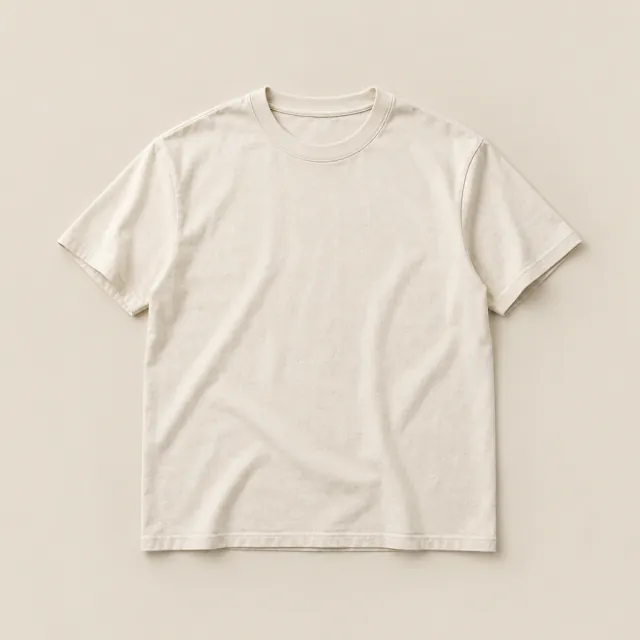 Heavyweight Tee - Ecru
$32.00
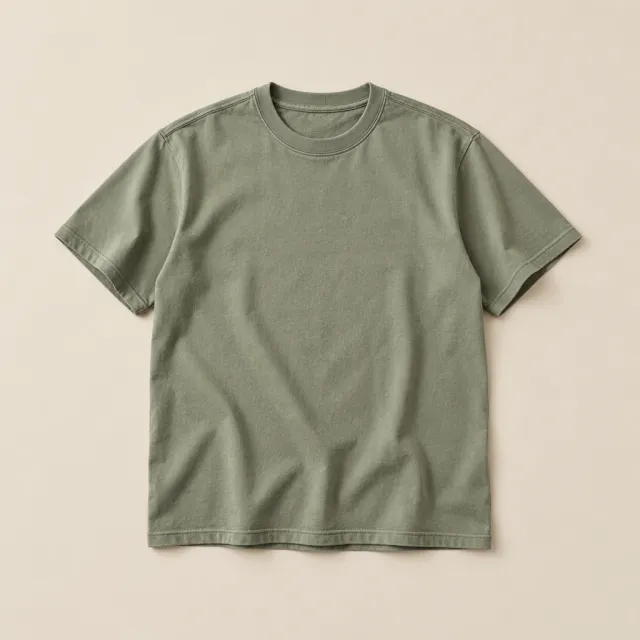 Heavyweight Tee - Sage
$32.00
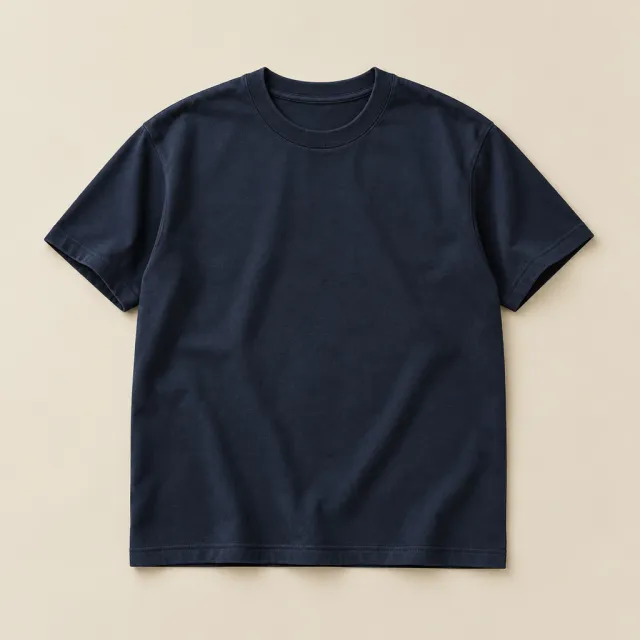 Heavyweight Tee - Navy
$32.00
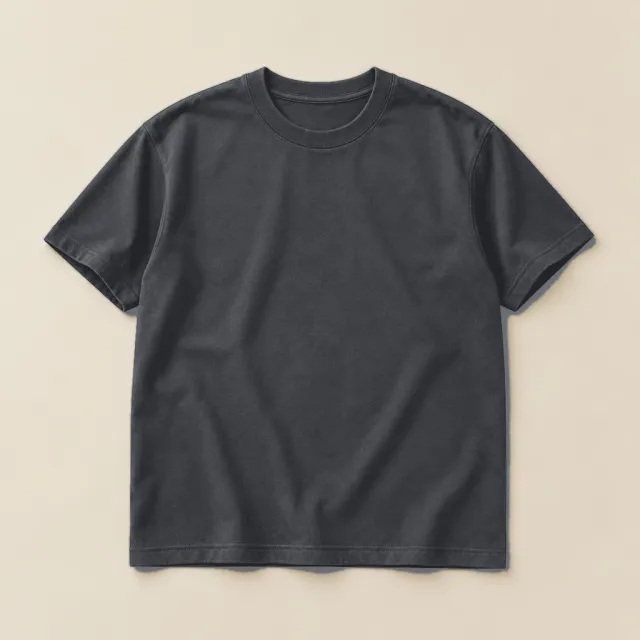 Heavyweight Tee - Charcoal
$32.00
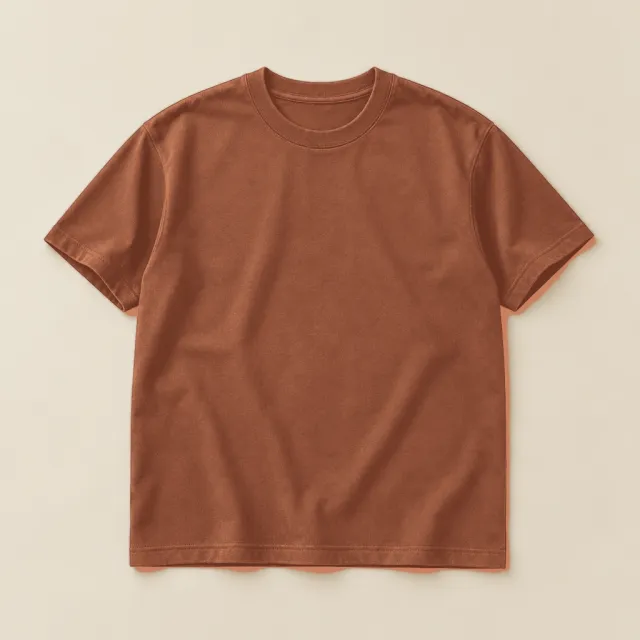 Heavyweight Tee - Clay
$32.00
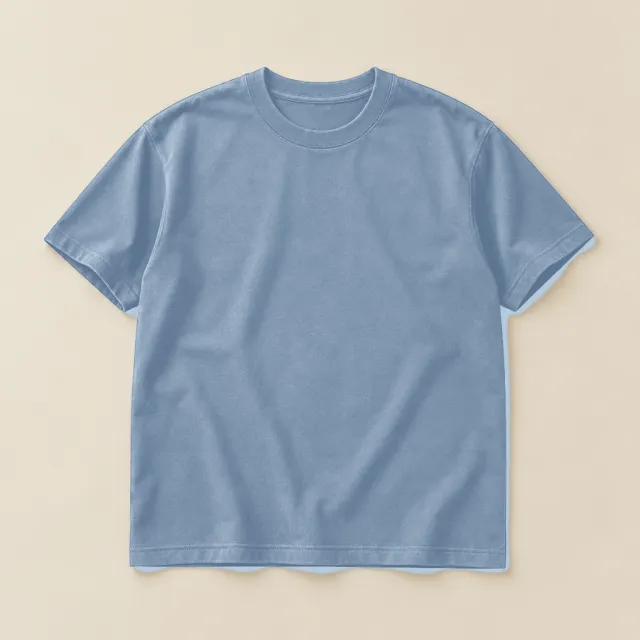 Heavyweight Tee - Sky
$32.00
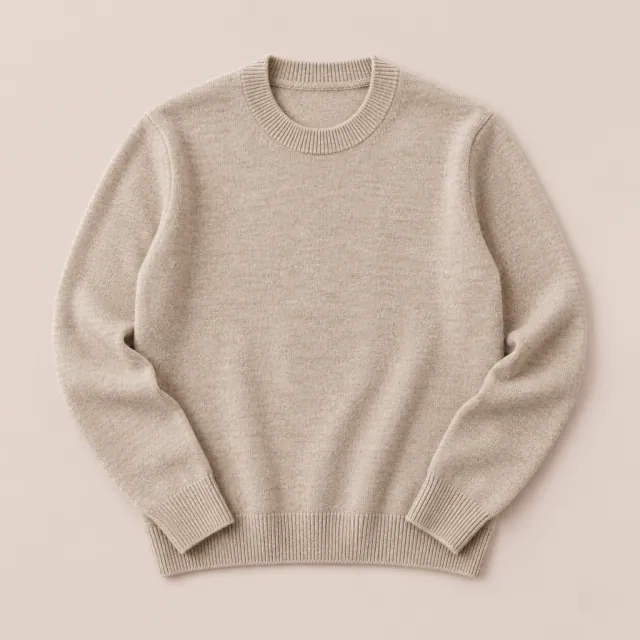 Merino Crewneck - Oatmeal
$96.00
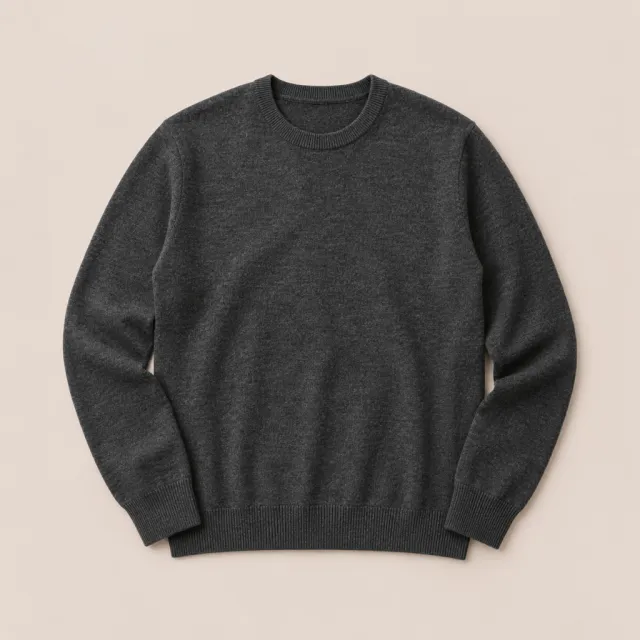 Merino Crewneck - Charcoal
$96.00
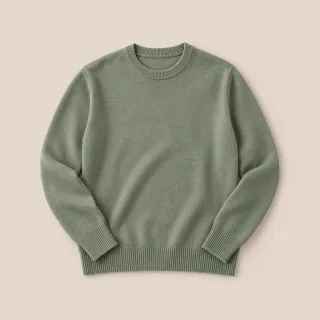
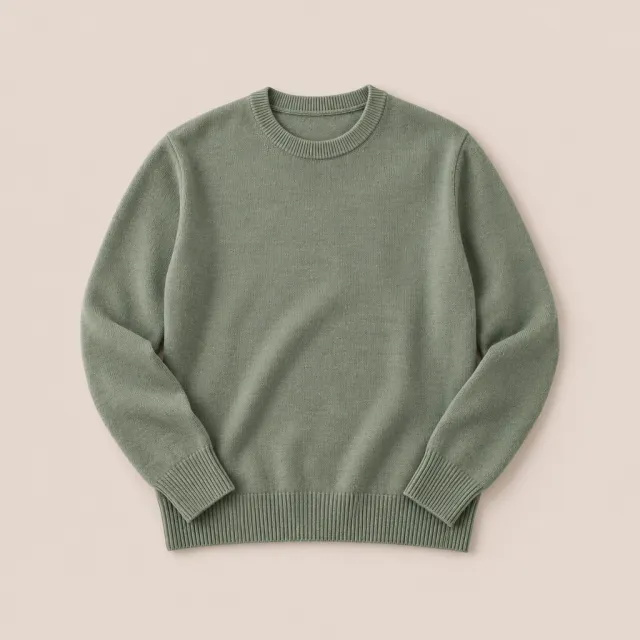 Merino Crewneck - Sage
$96.00
Filter by color
Variations As Singles, taken apart. Hover a part to see what it does.
Every color on the shelf. Not hidden behind Select options.
Variations As Singles lists each variation in your shop as a product of its own, with its own photo, title and price, so shoppers see every option before they click.
One product, every option in view.

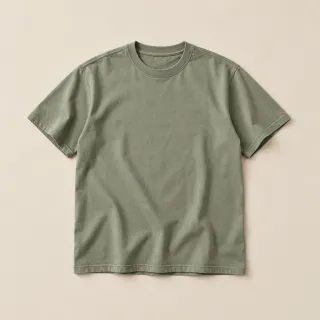
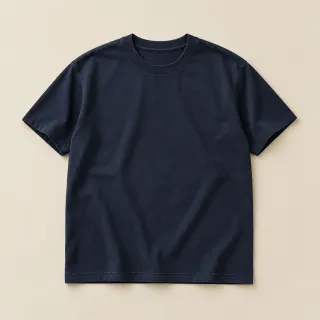
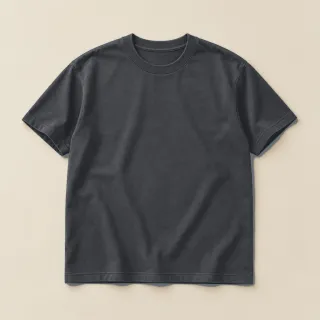
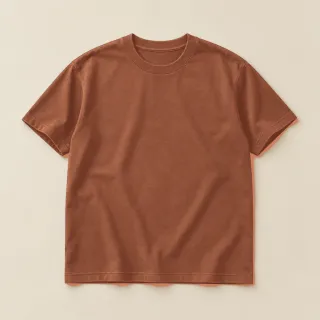
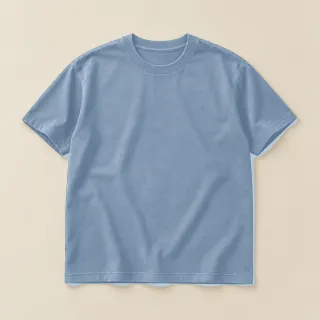
Variations as products
One card per variation, in place of the single card with a price range. Hide the parent, or keep it.
Titles that say which
Each variation is named from its options, or gets a title you write.
Straight to the variation
A card opens its product with that variation already chosen.


In the shop, filters and search
Choose where variations show: the catalog, filtered results, search results, or all three.
The right button on each
Ajax Add to cart, Select options when you’d rather, and Out of stock when it is, or hide what’s out.
Set it once, or per variation.
Global defaults cover every variation; each one can override them, and bulk actions change many at once.
- Visibility for catalog, filtered results and search
- Featured, Add to cart off, or listings only
- Hide variation parents across the shop
- A tool to reapply visibility, and filter counts kept right
A variation that acts like a product.
It shows its parent’s rating, adds itself to the cart from the listing, and its cart line links back to the product with that variation chosen.
- Ratings and reviews from the parent product
- Ajax Add to cart right from the listing
- Cart lines that open the exact variation

Kept current, release after release.
Every number here is read live from the release feed, so this sheet is never older than the plugin.
- Version
- 1.2.14
- Last updated
- Nov 8, 2026
- Tested up to
- WordPress 7.1
- Requires
- WordPress 4.8+
- PHP
- 5.3+
- First released
- Feb 2021
Pick a license. Change it any time.
Every Pro plan starts with a free trial, and every purchase has a 30-day money-back guarantee.
Save 45% vs. monthly
Updates and support while your subscription is active.
A year of updates and support. If you don’t renew, the plugin keeps working; you just stop receiving updates and support.
Store owners on Variations As Singles.
5.0 out of 5 from 4 ratings
-
Does exactly what it needs to
Well worth the investment! This plugin helps us showcase our many variations in ways that were previously not possible. Thank you!
James -
Amazing Plugin!
Words cannot express how much I love this plugin for my website. I am a small batch maker who creates products with variations like color, finish, etc. Being able to create a single listing and show variants as separate products really helps my clients visualize finished goods without me having to spend extra hours crafting copy for SEO, managing separate…
John -
I love this plugin
Perfect plugin and the best that I can recommend. If you have product variations and want to show all of them in the product overview, this is the perfect solution. Thank you so much!
Claude
Changelog
26 releases since 2021.
-
1.2.14
- new Variations now show as single products in Product Collection blocks on block themes (home page grids, category sections and other standalone collections), matching the shop page and the [products] shortcode
- update XT Framework 2.6.0 (a cart bridge for WooCommerce blocks, no jQuery in the page head for touch detection, add to cart scripts in the footer) and 2.5.20 (ajax add to cart no longer blocked by conditionally hidden required add-on fields)
-
1.2.13
- fix Filtering the shop by an attribute (such as colour or size) now lists the matching variations on stores using WooCommerce's product attributes lookup table, instead of showing no products when variable parents are hidden
-
1.2.12
- fix Variation sales are now recorded through WooCommerce's order API, so they work on stores using High-Performance Order Storage (HPOS) without compatibility sync, including orders created or saved from the admin, and are no longer counted twice
- update XT Framework 2.5.19: the System Status page no longer contacts How's My SSL or ipify (TLS support and the server IP are read locally), generated CSS is sanitized where it is added to the page, framework class names now use the XTFW_ prefix (the old names still work), and the bundled Freemius SDK is updated to 2.13.5
-
1.2.11
- update XT Framework 2.5.17, making the System Status IP and TLS lookups opt-in, updating Select2 to 4.1.0, SelectWoo to 1.0.10 and the alpha color picker to 3.0.4, removing the unused Xirki telemetry module, and hardening settings preview requests and saved settings values
- update Tested with WordPress 7.1 and WooCommerce 11.2
-
1.2.10
- update XT Framework 2.5.16, fixing the pricing page showing "/ year" for monthly plans, correcting the annual "Normally" price, adding annual and lifetime savings badges inside the billing cycle switcher, keeping the switcher on one row at any screen width, and limiting pricing page requests to the site's own admin-ajax endpoint
-
1.2.9
- update XT Framework 2.5.15, preventing the "Follow Us" widget from being injected twice in XT admin pages, restoring the Browse Plugins grid layout on modern WordPress, keeping the grid at three columns on very large screens, and updating the bundled Freemius SDK to v2.13.4
-
1.2.8
- update XT Framework 2.5.14, preventing first-request fatal errors and repeated upgrade redirects while switching to a newer embedded framework
-
1.2.7
- update XT Framework 2.5.13, preserving generated Freemius pricing and Xirki vendor assets during synchronization
- support WordPress 7.0.1 and WooCommerce 10.9.4 compatibility
-
1.2.6
- update Maintenance release
-
1.2.5
- fix Minor CSS fixed within the customizer panels
- update XT Framework update
-
1.2.4
- security Removed SVG upload support for security reasons. To enable SVG uploads, please use a plugin like "Safe SVG" https://wordpress.org/plugins/safe-svg/
- update XT Framework update
-
1.2.3
- update Freemius SDK update v2.9.0
- support Fixed deprecated code causing "Creation of dynamic property" log errors in PHP 8.2
-
1.2.2
- update Freemius SDK update v2.7.3
- support WordPress 6.6
- support WooCommerce 9.1
-
1.2.1
- update Freemius SDK update v2.6.2
- support WordPress 6.4
-
1.2.0
- update Added WooCommerce HPOS Support
-
1.1.1
- update Freemius SDK update v2.5.10
-
1.1.0
- update XT Framework update
- update Freemius SDK update
-
1.0.9
- update XT Framework update
- update Freemius SDK update
-
1.0.8
- fix Freemius Security Fix
- update XT Framework update
-
1.0.7
- update XT Framework update
-
1.0.6
- fix Removed automated support of all custom product taxonomies introduced in v1.0.5 which was causing unexpected issues.
- support Added hook xt_woovas_variation_taxonomies to filter which product custom taxonomies will be also registered to product variations. Needed to support filtering by custom taxonomies. https://d.pr/i/OmcQZD
-
1.0.5
- fix Remove warnings
- support Support all custom product taxonomies
-
1.0.3
- support Support PHP v8.x. Removed deprecated warnings.
-
1.0.2
- new Added option to hide out of stock products and variations from the shop page.
- new For out of stock variations, replace the "Select Options" button text by "Out of stock" on the shop page
- support Added support for Woocommerce Brands & Perfect Brands for WooCommerce plugins
- update Updated language files
-
1.0.1
- fix Fixed issue with product variation titles overriding menu item titles.
-
1.0.0
- initial Initial Version
Put Variations As Singles to work on your store.
Questions before you buy? Ask the team that builds it.