



October was a quiet month for us. On October 21 we released updates for six of our WooCommerce plugins, and each one is now tested with WordPress 7.1 and WooCommerce 11.2. There are no new screens or settings to learn this time, but a few changes are worth knowing about before you hit update.
What every plugin picked up on October 21
All six releases share the same changes, because they run on the same underlying framework:
- They’re tested with WordPress 7.1 and WooCommerce 11.2. WordPress 7.1 came out on August 19, and WooCommerce 11.2.0 followed on October 7.
- The settings preview requests are hardened, and so are the saved settings values.
- The System Status IP and TLS lookups are now opt-in, so they don’t run unless you ask for them.
Below is the per-plugin detail. Each plugin name links to its page and the full changelog.
Floating Cart
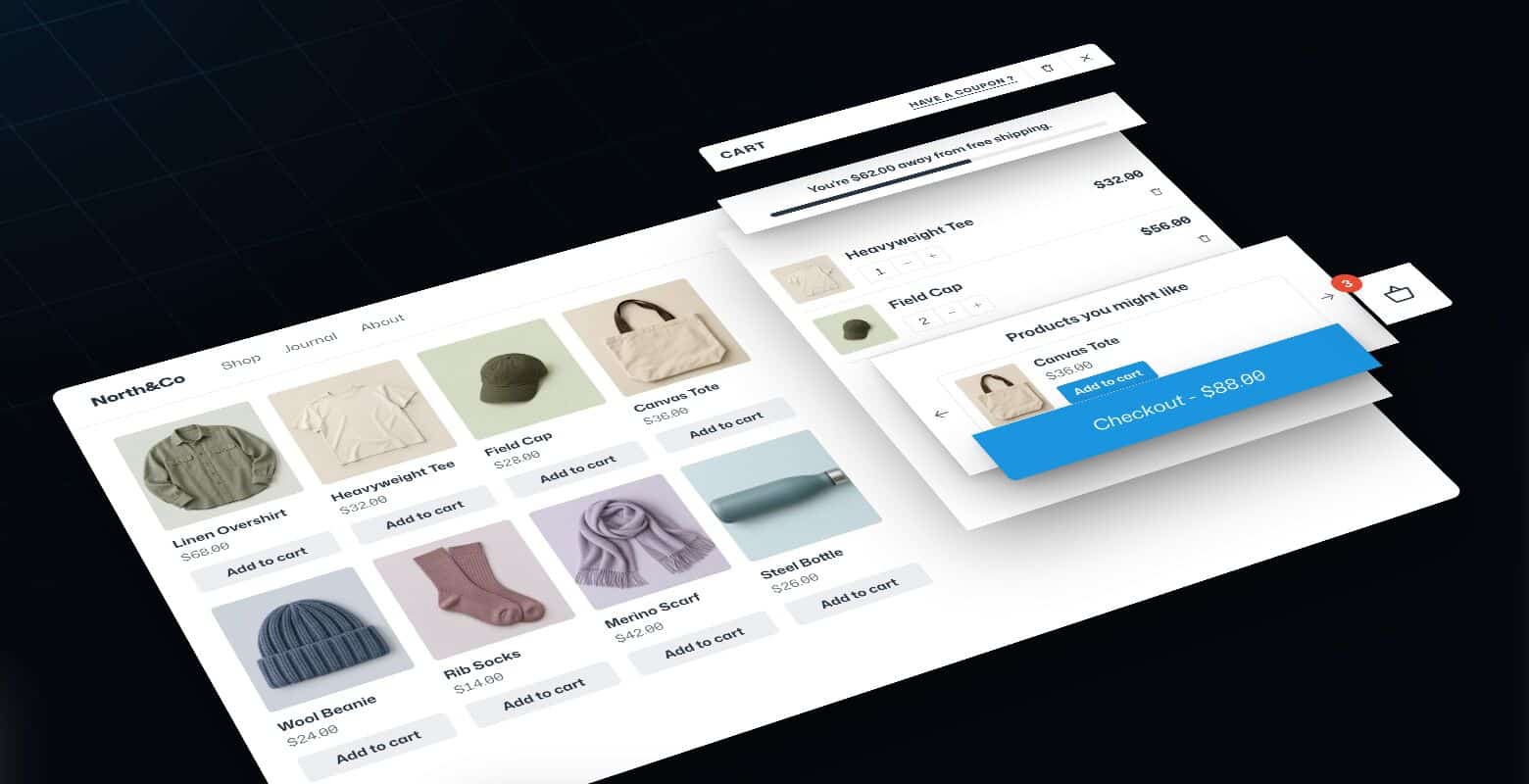
Floating Cart is now at 2.8.14. It had two releases that day, 2.8.13 and 2.8.14, and together they carry the shared changes above. If your store uses the slide-in cart, test it on a product page and through checkout after updating.
Quick View
Quick View moves to 2.1.13 with the same changes. It opens a product’s details in a popup from the shop grid, so open a few products after updating, including a variable one.

Variation Swatches, Variations As Singles and Ajax Add To Cart
These three also shipped on the 21st:
- Variation Swatches turns variation dropdowns into color, image and label swatches. It’s now at 1.9.13.
- Variations As Singles shows variations on the shop page as if they were separate products. It’s now at 1.2.11.
- Ajax Add To Cart adds simple and variable products to the cart without reloading the page. It’s now at 1.1.11.
Ajax Add To Cart had a single release on the 21st that bundles both rounds of framework changes. The others had two.
Points & Rewards
Points & Rewards gives customers points for purchases and other actions, which they can redeem for discounts. It’s now at 1.7.14. The July release added a setting to award purchase points when payment is received or only when the order reaches Completed. If you haven’t looked at that yet, check which one you want.
Plugins not covered here
Catalog Mode and WPIDE don’t have a changelog section on their product pages, so I’ve left them out of this digest rather than guess. Slick Menu’s only October release changed its pricing page, so there’s nothing to report for your store.
How I’d update a live store
A compatibility note says the plugin was tested. It can’t say how your theme and your other plugins behave together. A short routine catches most surprises:
- Take a backup, or make a staging copy if your host offers one.
- Update the plugins on staging first, along with WordPress and WooCommerce if they’re due.
- Add a product to the cart, open a quick view, pick a variation and go through checkout once.
- Update the live site at a quiet hour.
If something looks off after an update, send us the details through the support page and we’ll take a look.
Found this useful? Pass it on.